User management and security
Manage user approvals, roles, audit logs, concurrent sessions, and LDAP or SSO configuration.
AdministrationUser Management & Security
User registration and approval
Users can register through the Appice dashboard, but they typically require administrator approval before they can access a specific application. The admin can also assign roles and application access from the user management area.
Role model
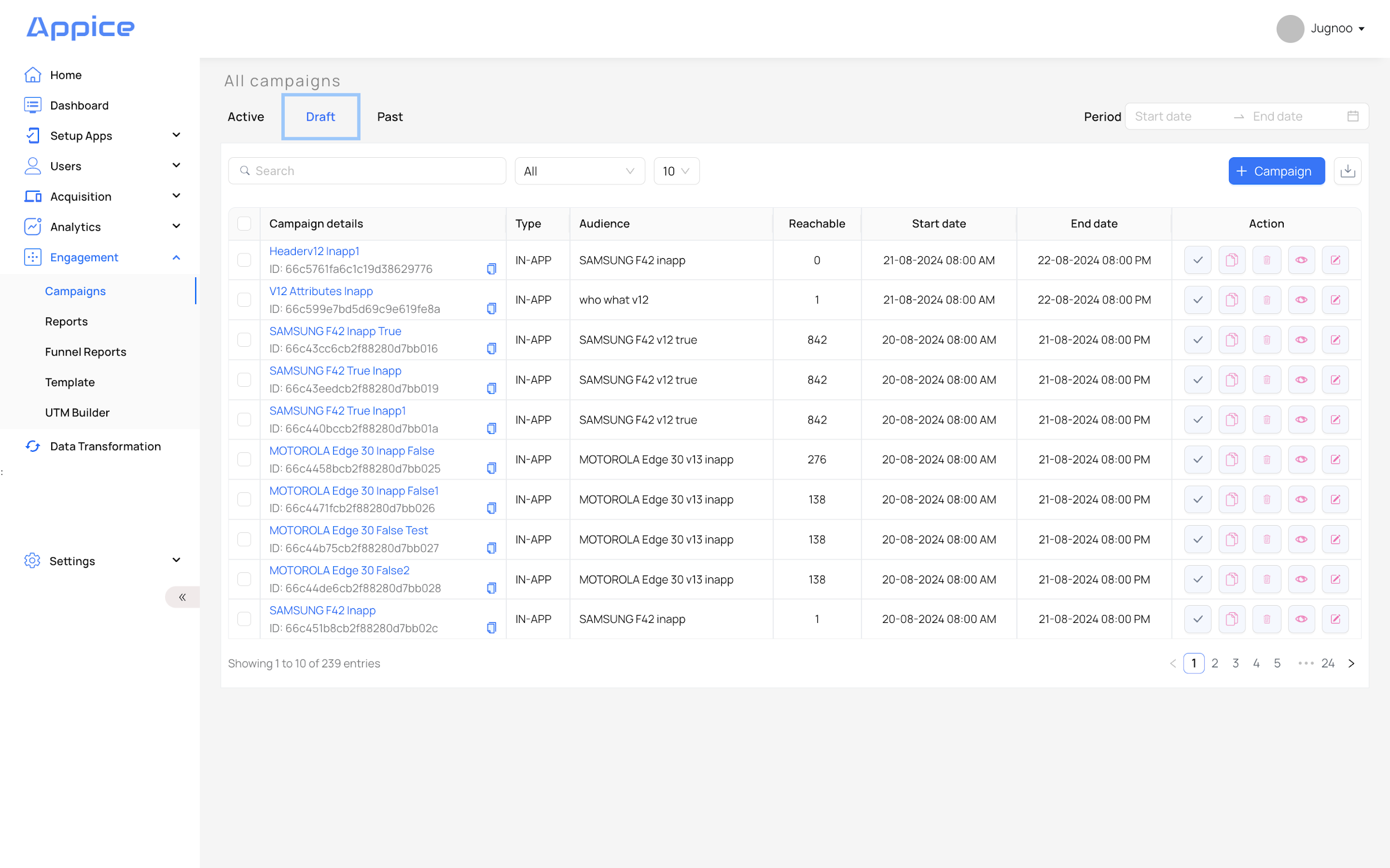
The manual lists five main roles: Admin, Marketer, Reviewer, Manager, and Infosec. These roles determine who can create campaigns, update them, review them, activate them, and view audit logs.
Audit logs
Audit logs track platform activity such as logins, logouts, campaign creation, updates, and audience changes. This is especially relevant for regulated environments that require governance visibility.
Concurrent sessions
The manual describes an optional policy that can allow or disallow concurrent logins. If disabled, the platform checks whether a user is already logged in from another machine or session and can block additional access depending on policy.
SSO and LDAP
Appice supports LDAP and LDAPS integration for organizations that want centralized identity management. The documented inputs include LDAP URL, Bind DN, Bind Credential, and Search Base. Publish these carefully and keep implementation examples generic if this site will be customer-facing.