Segmentation and campaigns
Build audiences with events, traits, and computed logic, then launch governed campaigns.
Appice IntentAudiences · ML Models · Prediction Factory
Audience segmentation
Build segments from behaviour, traits and computed values — target who someone is, what they did, when, and where.
- Behaviour-based and trait-based filters
- Live updates as new signals arrive
- Versioned, auditable, reusable across campaigns
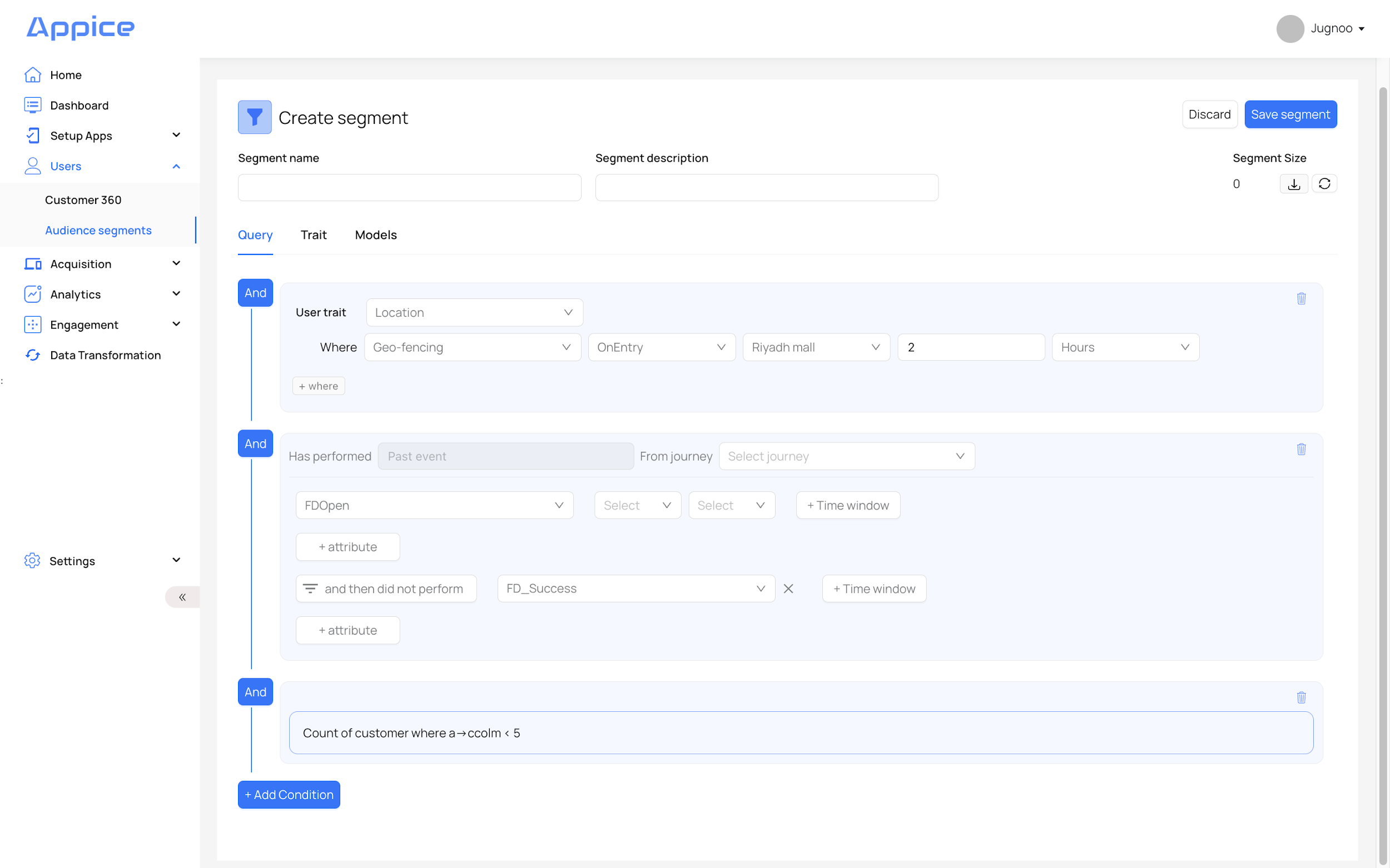
Segments in Appice can be built from behavioral events, user traits, and computed traits. This allows targeting based on who the user is, what they are doing, where they are, and when the behavior occurred.
Behavioural and live-event logic
Filter on past or live events with time windows and frequency rules.
- Past event & live-event conditions
- Windows: in the last, since, before, after
- Frequency: at least, at most, exactly
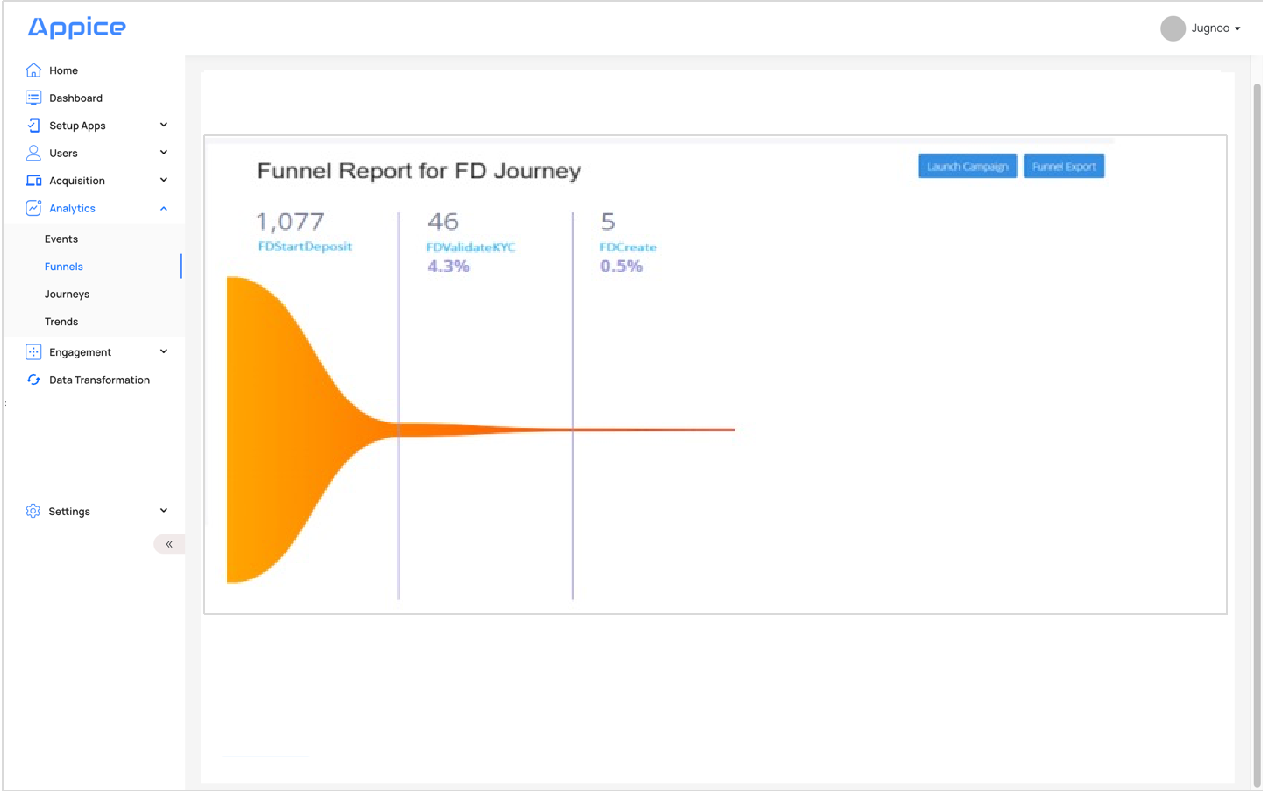
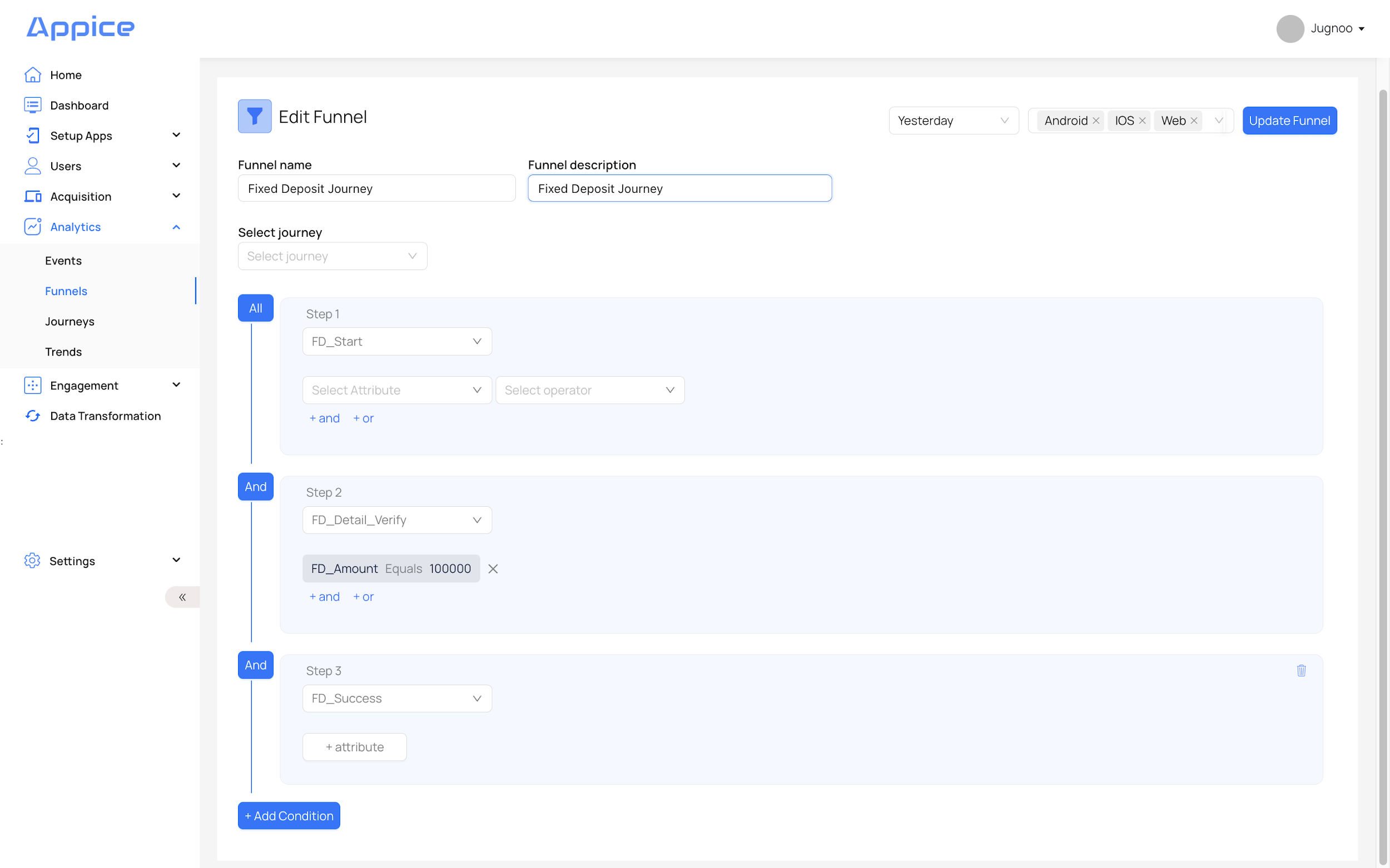
Behavioral segmentation uses past events and live events. A common example is identifying users who started a journey but did not complete it inside a specified time window.
Computed traits
Bring warehouse and transactional logic (SUM, AVG, MIN, MAX, COUNT) into segmentation.
- Loan disbursal, balances, product holdings
- Numeric thresholds and ranges
Computed traits bring warehouse or transactional logic into segmentation. The manual specifically calls out SUM, AVERAGE, MIN, MAX, and COUNT for conditions based on loans, balances, product holdings, or other enterprise data.
Campaign build workflow
Three-step pattern: pick template → pick audience → configure launch.
- Maker / reviewer / infosec / checker review path
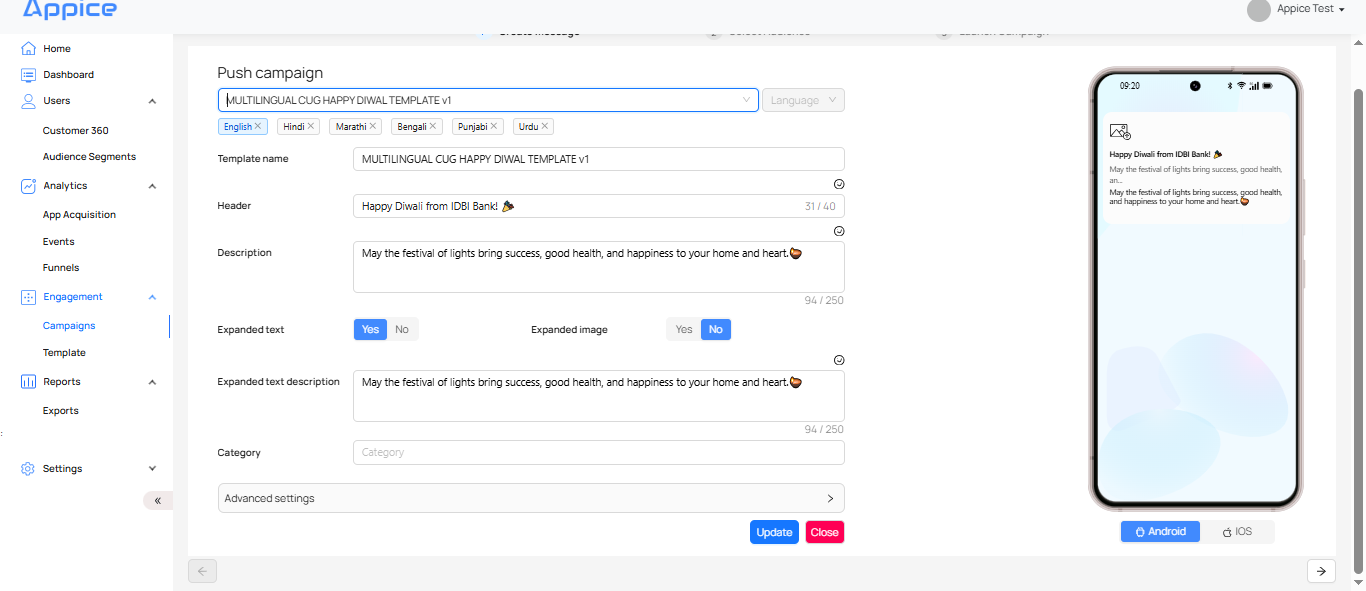
- Template + segment + launch settings
Most campaigns follow a three-step operating pattern:
- Create or select the message template.
- Select the audience segment.
- Configure launch settings and activate the campaign.
The manual also describes governance-based review steps across maker, reviewer, infosec, and checker roles for enterprise workflows.
Launch controls
Delivery type, frequency caps, day-parting, scheduling and live-event triggers — per campaign.
- Delivery type: DirectPush, InboxOnly, All
- Frequency capping + staggered send
- Scheduler: recurring or multi-date
Launch settings determine delivery type, date range, app inbox expiry, day-parting, frequency capping, scheduler behavior, live-event triggers, optimization, and staggered send.
After launch
Track sent volume, reach, delivered, clicks and conversions — channel-by-channel.
- Channel-specific delivery caveats
- Provider callback limitations
Once campaigns move from draft to active, teams can monitor sent volume, reach, delivered count, click behavior, and conversion where supported. This is also where channel-specific caveats and provider callback limitations become important.