Channels and delivery
Set up push, in-app, WhatsApp, email, SMS, RCS, creative sizes, and delivery behavior.
Appice InteractChannels & Delivery
Push notifications
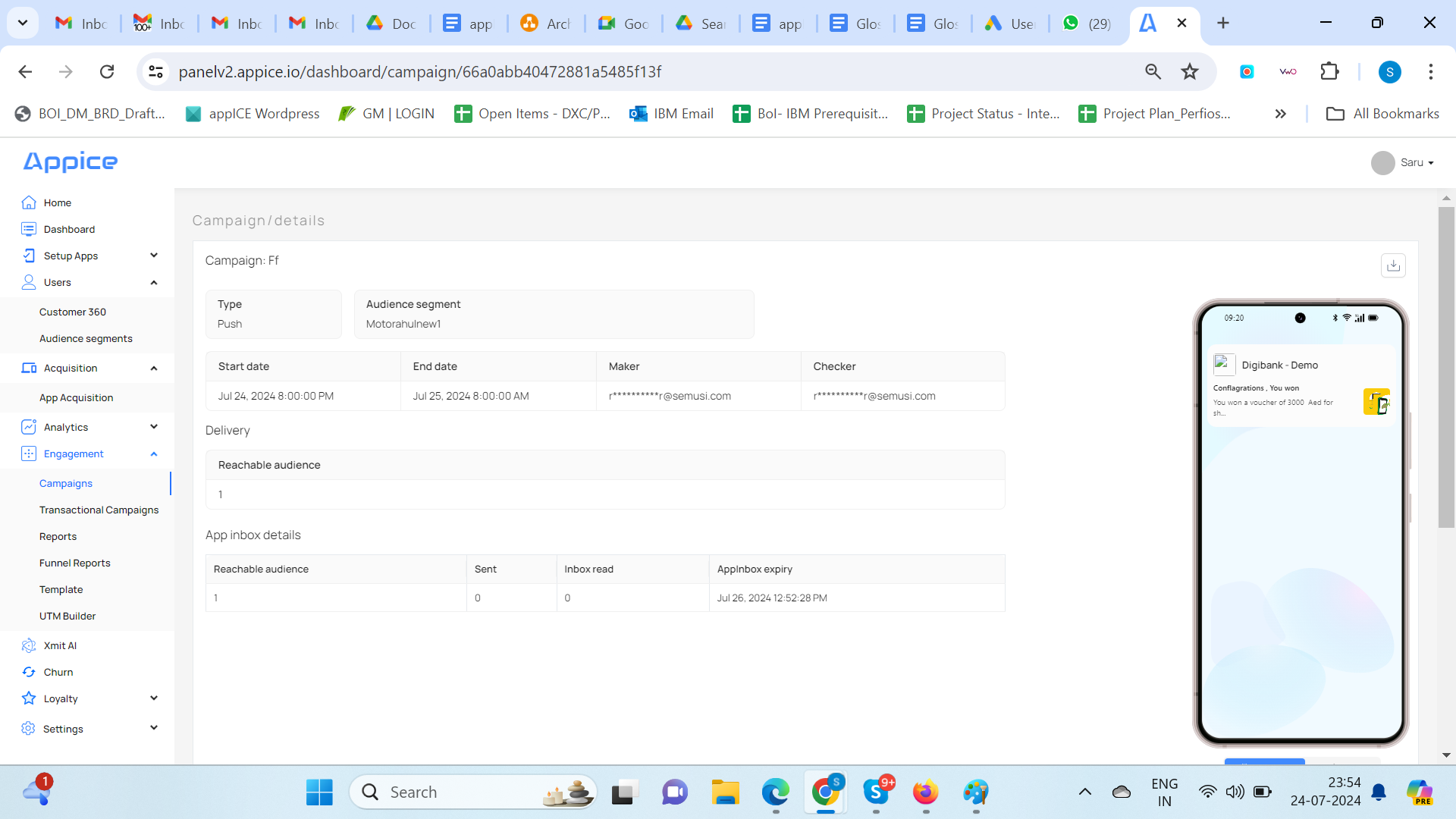
Push notifications in Appice support headline, description, icon, expanded image, expanded text, deep links, landing pages, custom data, sound, vibration, badge count, and app inbox behavior.
This channel is best suited to time-sensitive engagement, transactional moments, and contextual nudges when the user is not actively inside the app.
In-app messaging
In-app messages appear while the user is already in the application. The manual describes interstitial, mini, header, and footer variants, with CTA setup, colors, tap actions, and deep-link behavior.
WhatsApp, Email, SMS, and RCS
These channels follow the same broad operating model: select or create a template, choose an audience, configure launch settings, save the campaign, and then move it from draft to active.
- WhatsApp uses approved templates and selected audiences.
- Email depends on SMTP configuration and gateway callbacks for richer reporting.
- SMS may use webhook-triggered gateway integrations.
- RCS follows a template-based rich messaging workflow.
Creative specifications
The manual includes basic image guidelines by channel. Keep these visible in the published documentation so campaign builders do not need to guess asset sizes.
Delivery types and App Inbox
Campaigns can be delivered as notification tray only, App Inbox only, or both. App Inbox expiry can be set at launch time so messages retire after a specified period.
Staggered send
Staggered send is used to distribute bulk campaign traffic over time. This is especially important for enterprise apps and portals that may be affected by sudden spikes in user traffic after a campaign blast.