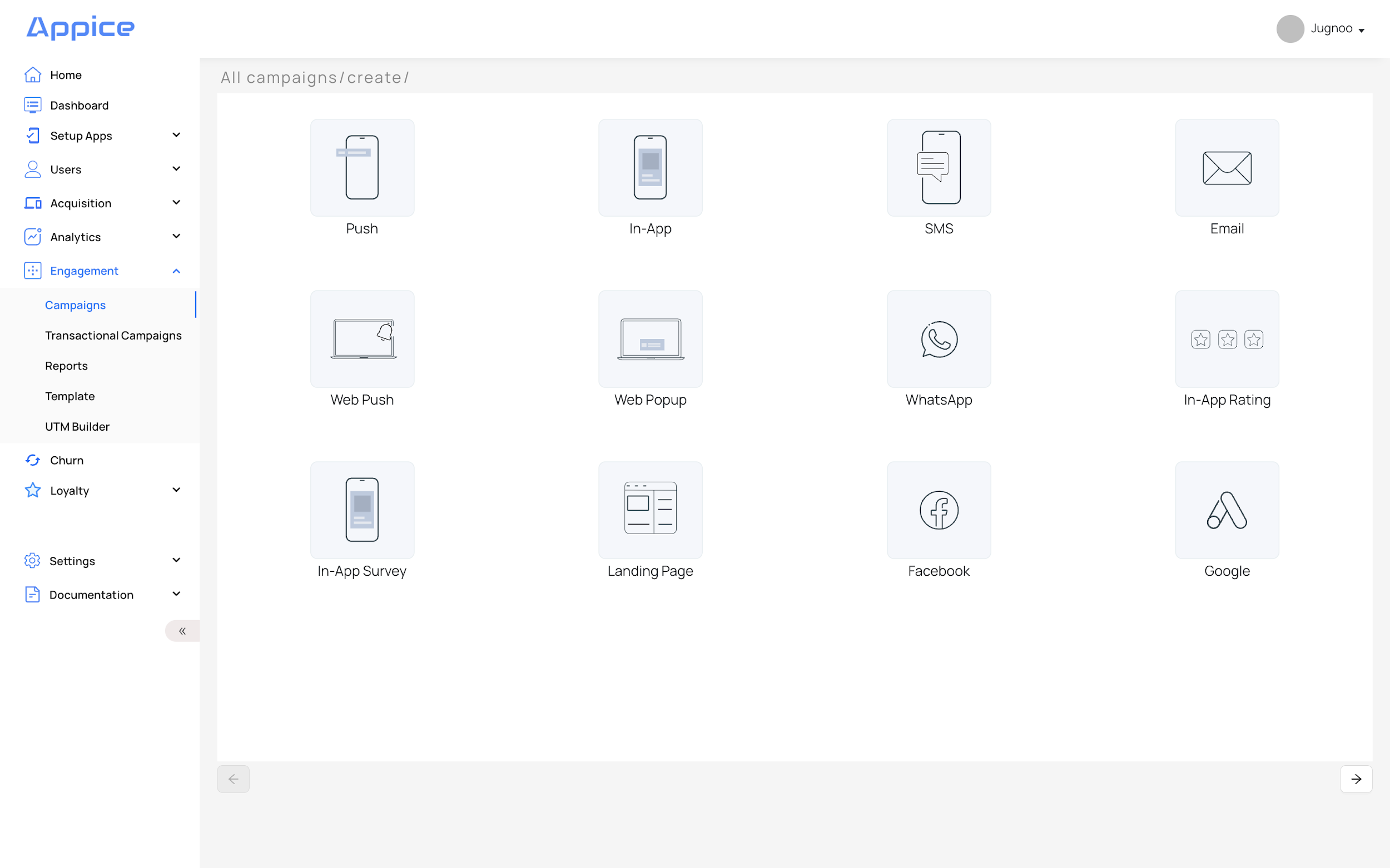
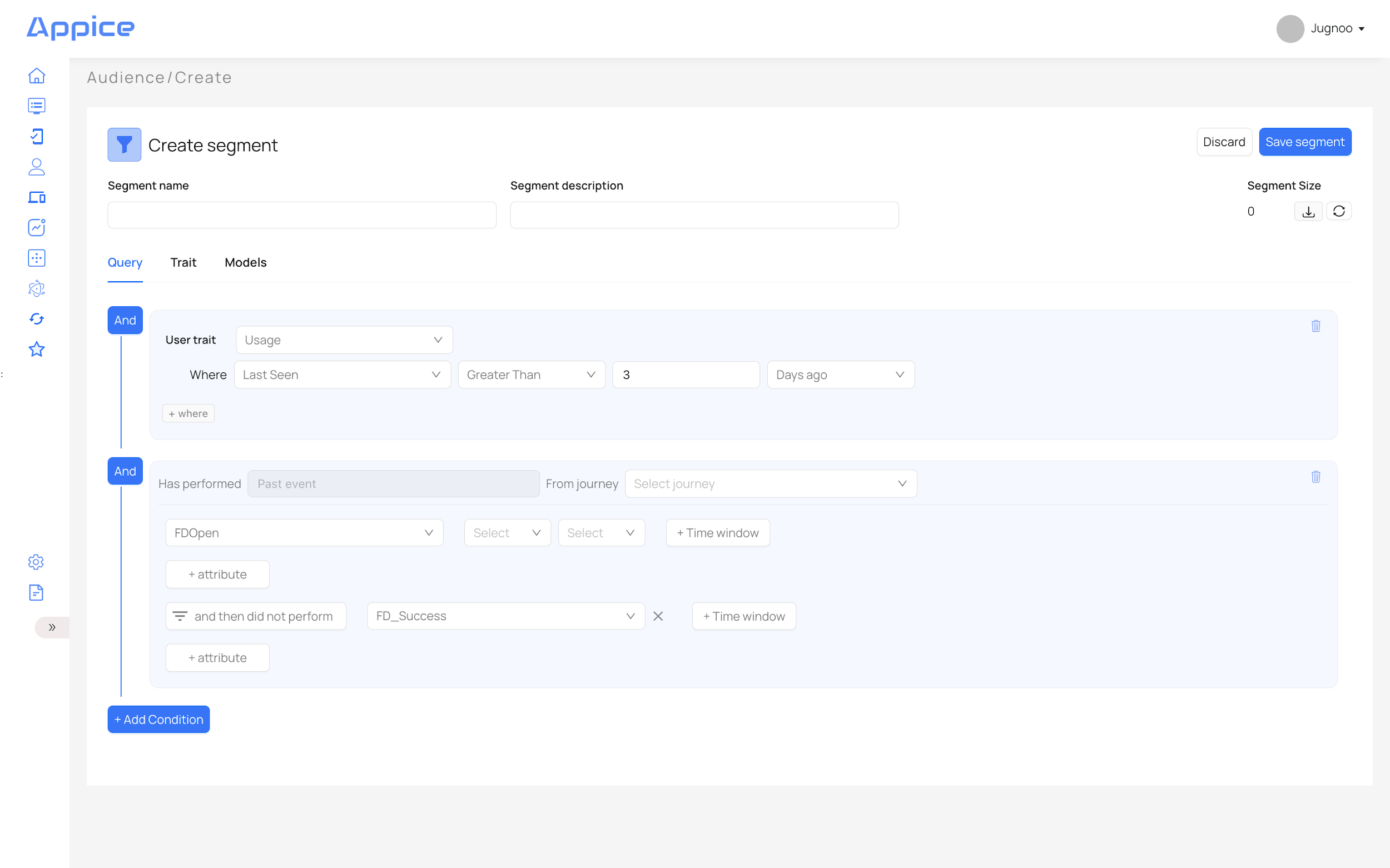
Start here for the platform overview, first login, navigation, and how Appice is structured.
Appice PlatformFull suite overview
What Appice is
Appice is an integrated enterprise platform for customer data, real-time decisioning, analytics, and omni-channel engagement. It is built to help organizations unify behavioral and transactional data, build actionable audiences, and deliver personalized campaigns at the right moment.
In the product manual, the platform is organized around data ingestion, Customer 360, segmentation, engagement channels, analytics, APIs, and enterprise administration. This article turns that broad manual into a simpler starting point for new users.
Core layersCDP + CEX
Main outcomeReal-time action
Primary usersMarketing, product, operations
Appice is the real-time decisioning and engagement layer for enterprise — built on six integrated modules: Integrate, Intent, Interact, Insights, Allyvate AI, and Inform.
First login
Users access the Appice panel with their registered email and password. Depending on your governance model, a new user may need administrator approval and a role assignment before they can fully access the application.
Open the Appice panel login page.
Enter your registered email address.
Enter your password.
Sign in and land on the dashboard.
Login screen preserved from the manual.Dashboard access and entry flow.
The six platform modules
Appice is organized into six integrated modules. Each builds on the one before it — from data capture through to AI-driven decisions and agentic delivery.
Best starting pagesGetting Started, Data & Customer 360, Segmentation & Campaigns
Best technical pagesAPIs & ANS, User Management & Security
Dashboard basics
The dashboard answers general questions about usage, engagement, and campaign activity. It includes platform filters, time filters, user analytics, trends, and top events. It is the best place for a quick operating snapshot.
New users typically start here to understand active users, installs, campaigns, and event activity before moving into deeper reports.